ecBox : Web
This page shows how to use a web browser to manage the contents on the ecBox site.
Authenticate
Access the ecBox URL from a web browser. Pop up (like below) asking for username and password will appear.
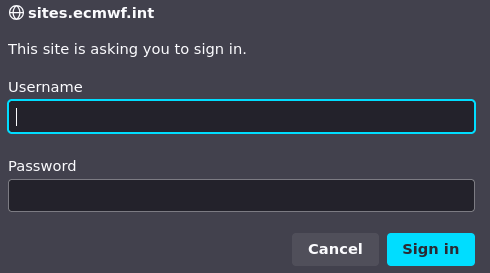
For the username, enter ecbox
For the password, enter the token provided to you
Depending on the permissions assigned to the token, you can either:
- Only download files and folders on the ecBox site
- Can upload/download/delete files and folders on the ecBox site
Managing contents
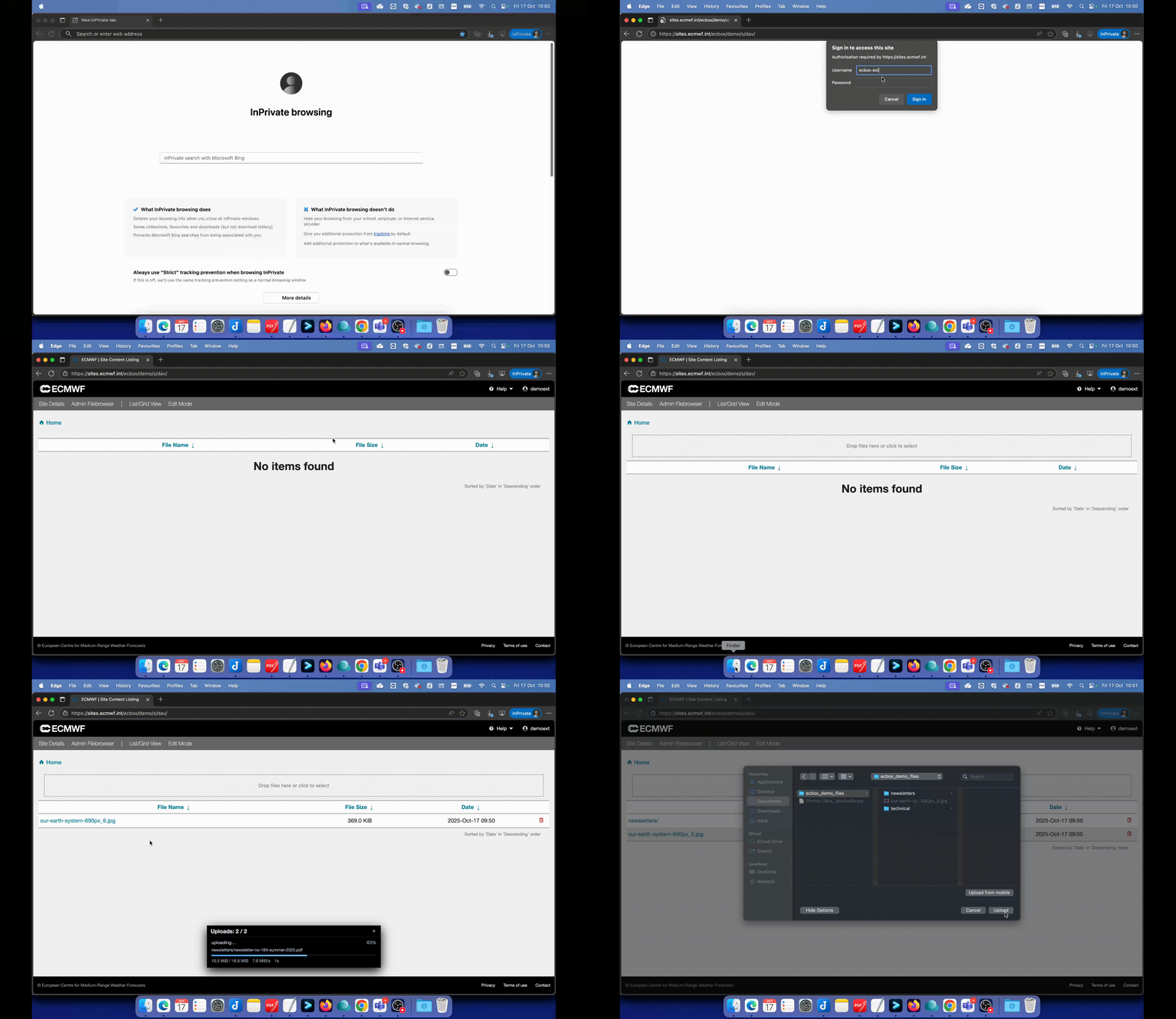
Click on the gif below to view to upload/download/delete files and folders on the ecBox site afyer authenticating to the ecBox site.